
Estate and archive management built to be handed on.
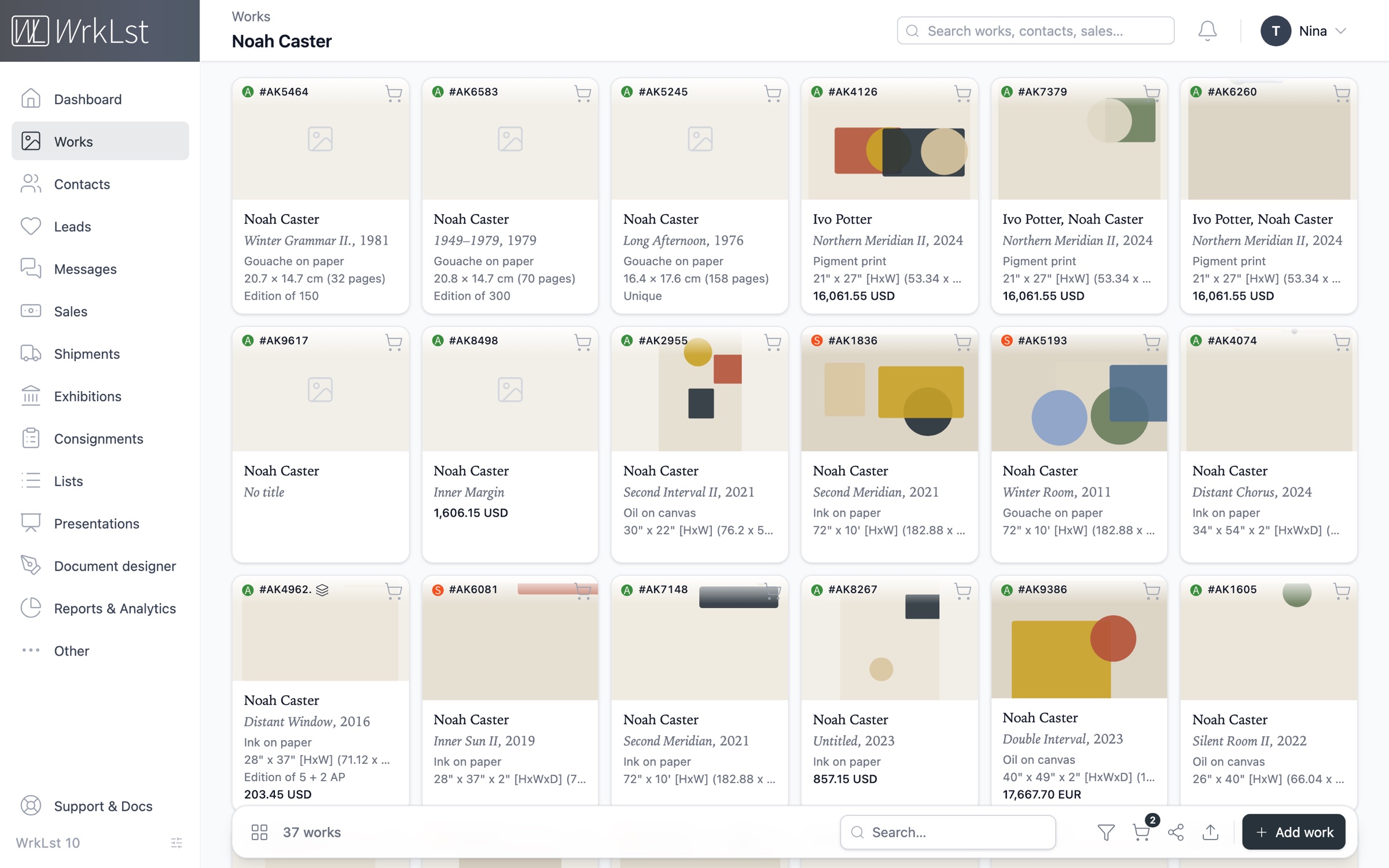
The archive, digitised
Easily bring the printed catalogue, the scans and the spreadsheets into WrkLst: the import reads them into a review table, and you approve every record before it is written. The year stays as the catalogue has it — “ca. 1972” and “n.d.” are kept as free text. Built on decades of experience with galleries, museums, artists and collections, WrkLst gives the archive a flexible and precise inventory. AI does the data entry for you — optional and switchable, and only in features that say so, such as the import.
Where the archive lives in older database software, we migrate it by hand, even from services with limited export, without the need for manual entry.
“This software allows me to easily access and edit 50 years of an artist's oeuvre with all the different points of entry I need.”- PDF catalogue
- Scans
- Spreadsheets
- Review table
- Year as free text
- Migration by hand
Source PDF — page 3 of 8
Opens beside the table from a work's “Page” link
12 of 12 works selected from autumn-catalogue.pdf· 2 need a checkTarget inventory: AK· Back to column mapping
| Artist | Title, year | Medium | Dimensions | ||
|---|---|---|---|---|---|
| ✓ | Mary Painter | Quiet Field II, 2016 | Oil and wax on linen | 60 × 106 cm | |
| ✓ | Paul Printmaker | Signal Garden, 2024 | Screenprint on paper | 50 × 70 cm | |
| ✓ | Nina Sculptor | Night Interval, 2021/22 | Bronze | 32 × 18 × 12 cm | |
| ✓ | Otto Etcher | Harbour Plate, 2021 | Etching on paper | 24 × 30 cm | |
| ✓ | Vera Kilnworth | Kiln Study 4, 1998–99 | Glazed stoneware | 28 × 22 × 22 cm | |
Nothing is written until you import.
Provenance, dated and linked.
Record every provenance line with its type, its dates, a link to the exhibition record it comes from and its own publishable flag, so you decide exactly which lines appear on the website. Ownership and acquisition are recorded with shares, because after a distribution a work rarely has one owner.
Each exhibition a work has been in is one clean line — title, venue, dates. The address book is fully integrated, so every lender, buyer and institution is a contact with its whole history, giving you a complete overview of everyone connected to the work.
- Provenance lines
- Publishable flag
- Ownership shares
- Acquisition
- Exhibition history
- Lenders & institutions
Patrick Potter
Telephone
Addresses
- Last contact
- 4 Sep 2026 · Meeting · Lea
- Log contact
- Stay in touch
- every 3 months · from their buying rhythm
Artist to offer: Nina SculptorHigh
Leads & waitlist
2Waitlists
#1Mary Painter20 Aug 2026
Leads
Mary Painter Quiet Field II, 2016
Sale · In contact · 4 Sep 2026
Messages
2Two works for the autumn show · 4 Sep 2026 · 2 works attached
Re: Tide Notes — framing · 12 Mar 2026
Invitations
3Sales & resales
2Sales & holds
Mary Painter Tide Notes, 1949
Sale · INV-2026-0142 · 21,420.00 EUR · paid in full
Nina Sculptor Night Interval
Hold until 30 Sep 2026
Connections
1One CV, kept in one place.
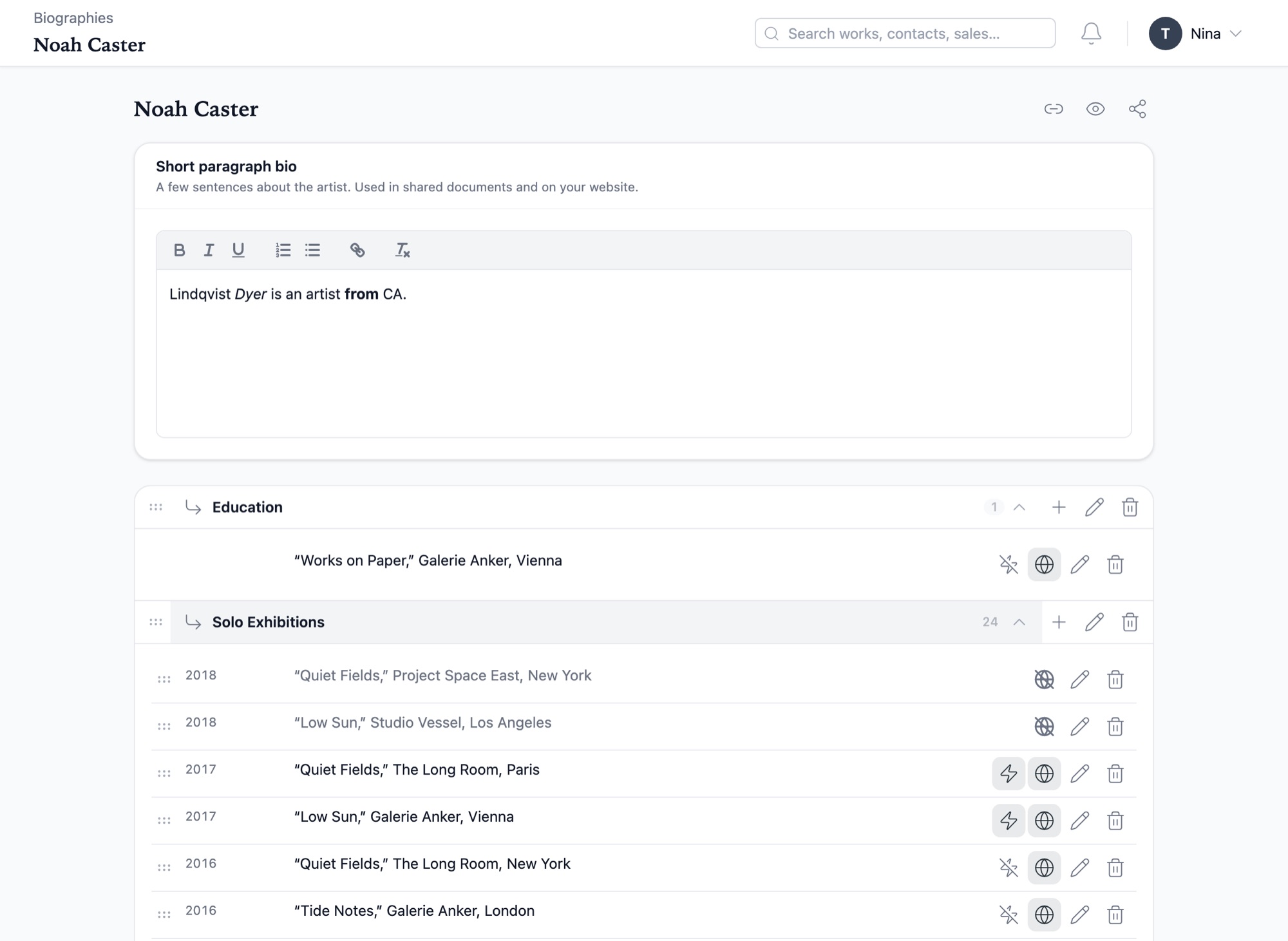
Easily manage the artist’s biography in a simple table: write the short bio, add and reorder categories and lines, and decide per line what goes on the website. Publish it, and the estate’s website shows it, whether it is a WrkLst website or a site on the WordPress plugin — so the website, the PDFs and the Word documents are always derived from the latest version.
To show works to a museum, share a presentation through a private link — images and captions, with or without availability — and see until when the link is valid and how often it was opened.
“The bio function connecting to a readily available PDF format makes my life so easy, as do many of the features.”- Short bio
- Categories & lines
- Publishable per line
- WrkLst website
- WordPress plugin
- Word & PDF
- Private link
Every change, on the record.
Every work and contact keeps its change history: open any entry and see the old value and the new one side by side. A record deleted by mistake can be recovered from the Toolbox within seven days, and its history shows who recovered it. Record locking tells the second person that a record is in use, so two people never overwrite each other.
The interaction log shows who did what, and from where — the browser, the app, a connected program or the WordPress plugin. Roles are built from permissions, so the heirs, the scholar and the foundation each see exactly what they should.
- Version history
- What changed
- Recover deleted
- Record locking
- Interaction log
- Roles & permissions
History
- 24 Sep 2026, 10:42 by NinaWhat changed ▴
- Location
Storage, rack 3Casemore Gallery, San Francisco - Year
ca. 1958ca. 1959
- Location
- 22 Sep 2026, 16:05 recovered by Vera
- 3 Feb 2026, 09:12 by Vera
- 5 Apr 2018, 17:39 by Nina
Interaction log
- NinaWeb · Berlintoday, 10:42
- VeraApp · iPadtoday, 09:30
- Website tokenWordPress plugin1,204 requests
Built to be handed on
Documents
Documents on letterheadGenerate tear sheets, lists, condition reports and work reports from your own templates, letterhead and fonts included, as Word, Excel, CSV or PDF.
Presentations
Images with captionsExport each picture on a page of its own, sized to the work, with its caption underneath — as one PDF, or as single images with the caption inside the picture, so image and caption stay together.
Languages
Sixteen languagesUse the interface in sixteen languages, Japanese, Portuguese and Arabic among them; each user picks their own, and downloaded PDFs print correctly in every one.
Cataloguing
Relations between worksRecord a relation between two works — a study for, a variant of — and it appears on both records.
Security
Confidential notesKeep confidential notes behind their own permission. For a role without it, the note is absent from the record entirely rather than shown as a redacted field.
Apps
Offline appsBrowse works, exhibitions and lists on iOS and Android, on phones and tablets, in a depot with no signal; the apps sync when it returns.
Full data export, on demand.
We firmly believe that the data you enter into WrkLst belongs to you. Your entire database can be downloaded as one complete file (SQL dump), from your own settings — every work, contact, sale, exhibition, provenance line and biography, in a standard format any database specialist can open. Every image and document you put in can be downloaded as well, complete and at full resolution.
For every day there are Word, Excel, CSV and PDF exports. A WrkLst website is built from the same archive, so its works, artists and exhibitions leave with it, and the last ten published versions can be downloaded as a complete copy; a site on the free WordPress plugin keeps its data independently of WrkLst.
What WrkLst customers say.
“WrkLst is an essential tool for professional archiving and managing studio and estate workflows. The personalized support, from custom data migrations to day-to-day assistance, is fast, reliable, and invaluable to our work.”
 Ursula Davila-Villa
Co-founder of Davila-Villa & Stothart
“What I like about this software is its adaptability and organization - the Multi-Tool and List functions allow me to edit and group entire series of works at once, allowing for efficient and visual systematizing and archiving.”Office Manager
Capterra“With the right time and effort WRKLST is a perfect tool to overlook and organise our archive, artworks and contacts in one interface.”Archivist
Capterra