

Exhibition planning, shipments and a timeline for every space.
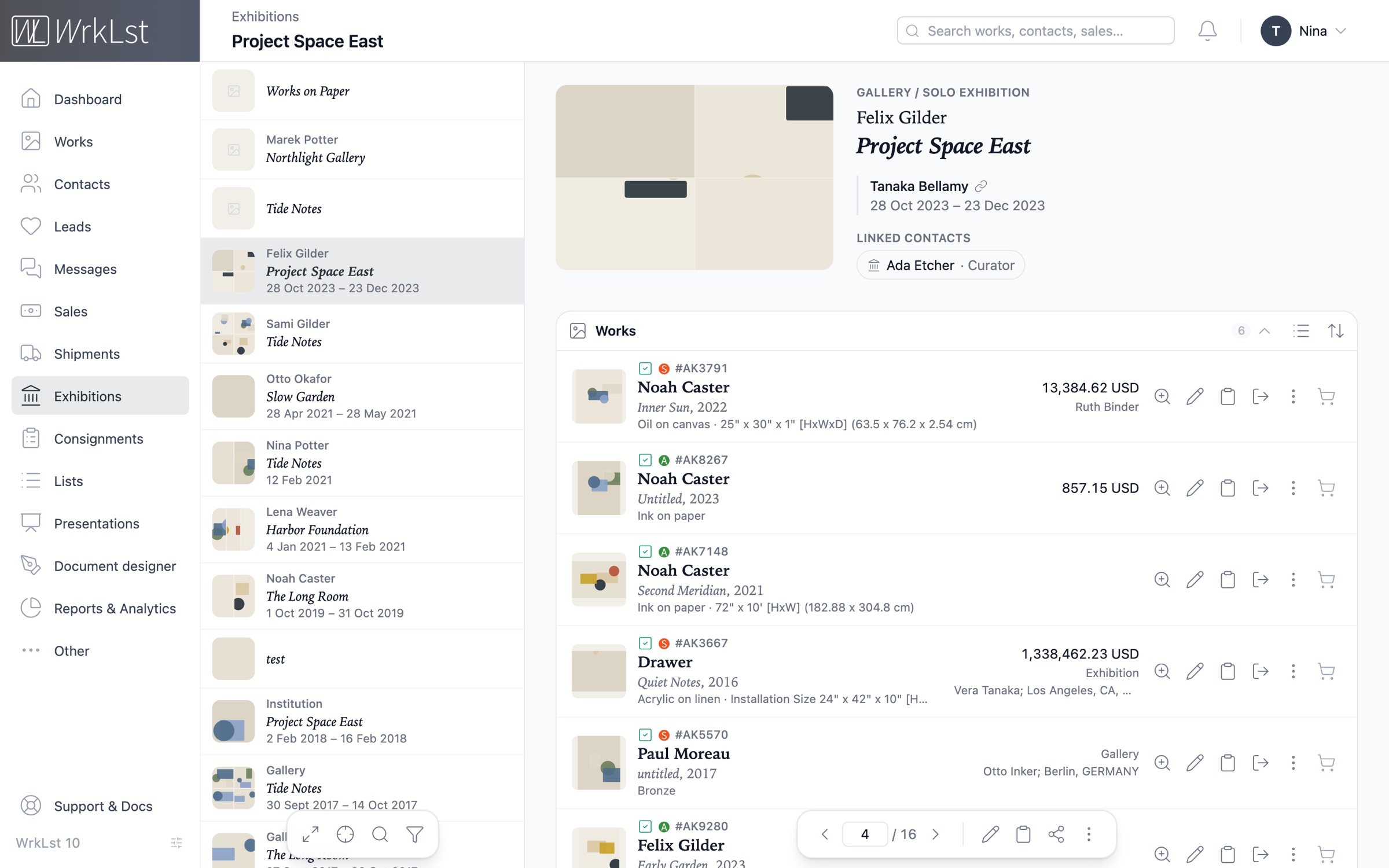
The whole show, from checklist to sales report
Organize and store all essential information for any exhibition within WrkLst. Seamlessly link artworks to the show, and keep related documents, installation images and the press release easily accessible in one place — together with the loans and the shipments that brought the works there. Browse your shows as cards or as a table, and open any of them without losing the list.
Every show carries its own sales report — the total, how much each colleague sold, and every sold work with its buyer and invoice — as well as its production costs: shipping, framing, photography, the opening dinner. Download the cost report as a PDF for your accountant, or as a spreadsheet.
- Checklist
- Installation shots
- Documents & press release
- Loans & shipments
- Sales report
- Production & expenses
- Cost report as PDF
Shipments, customs paperwork and live tracking
Effortlessly track all your shipments of artworks and other items within WrkLst. Attach the pro-forma invoice with its priced lines and the customs paperwork to each shipment; the signature statement you enter appears on the paperwork. For trackable carriers such as FedEx, DHL and UPS, follow the delivery live on a map inside the shipment record, and add your own carriers alongside them — rename one once, and every shipment using it is updated.
Easily view the works in each shipment, and access the shipments associated with a specific work or exhibition directly from its record.
- Sender & recipient
- Pro-forma invoice
- Customs paperwork
- Live tracking on a map
- Your own carriers
- Works in the crate
Sender
Berlin space
Recipient
Casemore Gallery
18 Sep 2026→6 days in transit→24 Sep 2026
Works · 2
Mary Painter Quiet Field II, 2016
AK1104 · oil on canvas · 120 × 90 cm
Mary Painter Tide Notes, 1949
AK1131 · oil on board · 40 × 50 cm
Documents
Customs declaration.pdf
Condition report.pdf
Proforma invoice
Temporary export for exhibition, to be returned
Carrier & tracking
- Carrier
- DHL Express
- Tracking number
- JD01 4600 0078
- Public tracking link
- wrklst.aftership.com/JD0146000078
Out for delivery
23 Sep 2026, 08:12 · San Francisco
Customs cleared
21 Sep 2026, 16:40 · Cincinnati
Processed at hub
19 Sep 2026, 02:05 · Leipzig
Picked up
18 Sep 2026, 14:30 · Berlin
Plan every space on one timeline
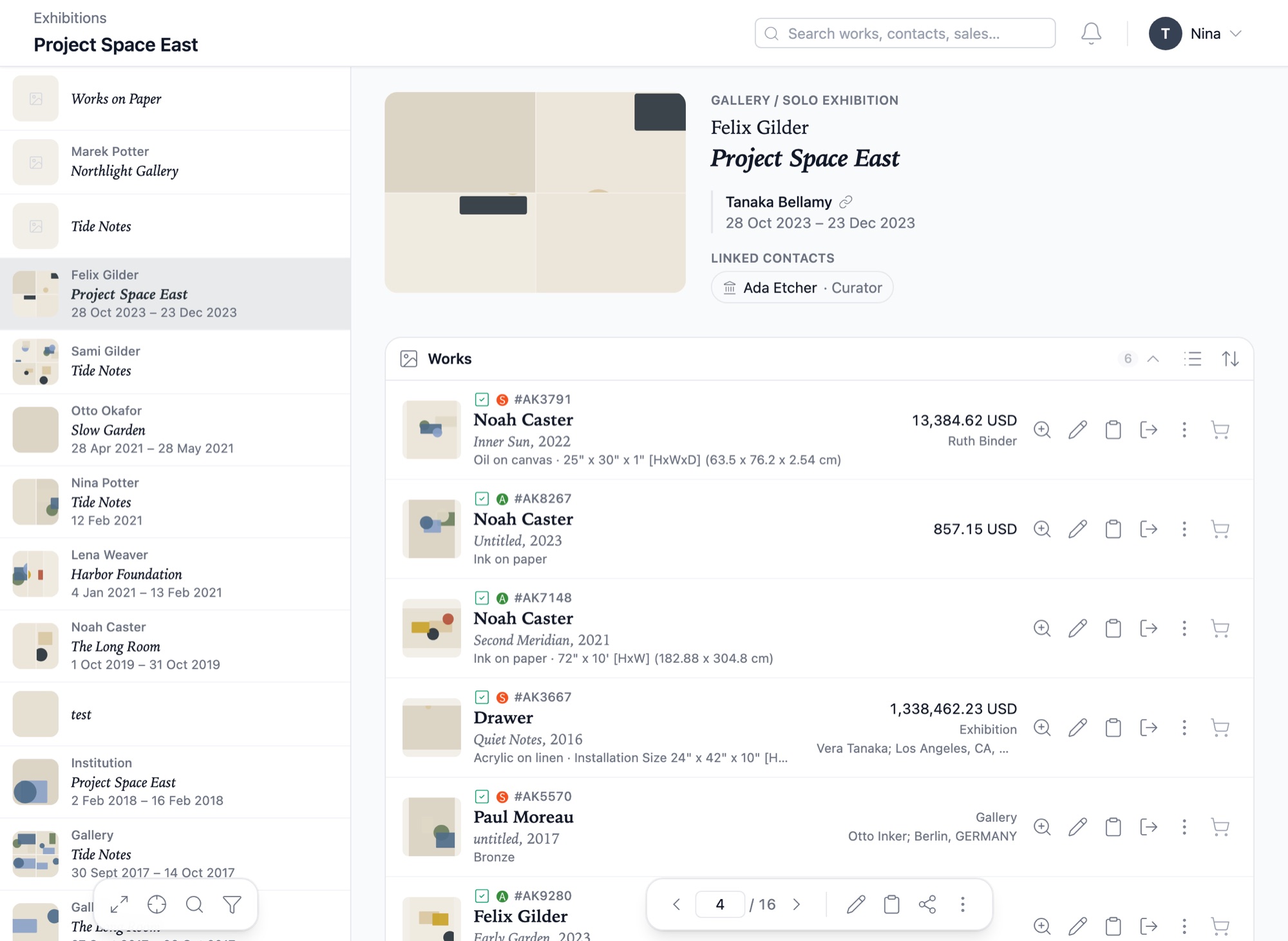
The Timeline is designed for planning and keeping an overview across larger teams, several exhibition spaces and events. Organize exhibitions, art fairs and other projects on a calendar-based timeline, and add installation and deinstallation blocks to see how each space is used and when your preparators are needed.
Press the plus button to add an exhibition, a consignment or a shipment to the timeline — its dates are filled in for you, each bar spans the real duration, and a marker shows today — helping you manage exhibition schedules and avoid double bookings across all of your spaces.
- Exhibitions
- Art fairs
- Installs & deinstalls
- Several spaces
- Consignments & shipments
- Today marker
Invitations with replies, and a guest list at the door
Make a campaign an invitation. It goes out from your own mailbox, and each guest answers on a reply page in your gallery’s style — on your own domain, if your presentations use one. Set the itinerary, such as an opening and then a dinner whose address only those attending see, a reply deadline, the number of places with a waiting list, and who may bring a guest — also after the invitation went out.
The guest list checks people in at the door, every exhibition lists its campaigns, and a show’s dinner list starts from its suggested people in Opportunities.
- Personal or open link
- Places & waiting list
- Named guests
- Itinerary
- Dinner list
- Check-in
Attending
18 / 24
No reply
3
Declined
2
Checked in
11
Tick people off as they arrive — their guests on their own line.
- Patrick PotterAttendingCame
Guest: Ines Potter
- Vera KilnworthAttendingCame
Vegetarian
- Tomas FramerAttending
- Give a placeHanna GlazierWaiting list
- Leo BinderyNo reply
- Ruth StonecutterDeclined
Your dates in your own calendar
Exhibitions
Exhibition runs
See every show from opening to closing, at every one of your spaces, beside the team’s own appointments.
Consignments
Consignments out and in
Track the day a work leaves on consignment and the day it is due back, ahead of every deadline.
Logistics
Pickups and deliveries
Show the transport window of every shipment on the calendar of whoever needs to be on site.
Planning
Installs and deinstalls
Share the installation and deinstallation blocks from your timeline, so your preparators see when they are needed.
Finance
Payments due
Add an invoice’s due date as an appointment — the amount itself is never written into the title.
CRM
Contact birthdays
Include the birthdays from your address book, so a collector hears from you on the day.
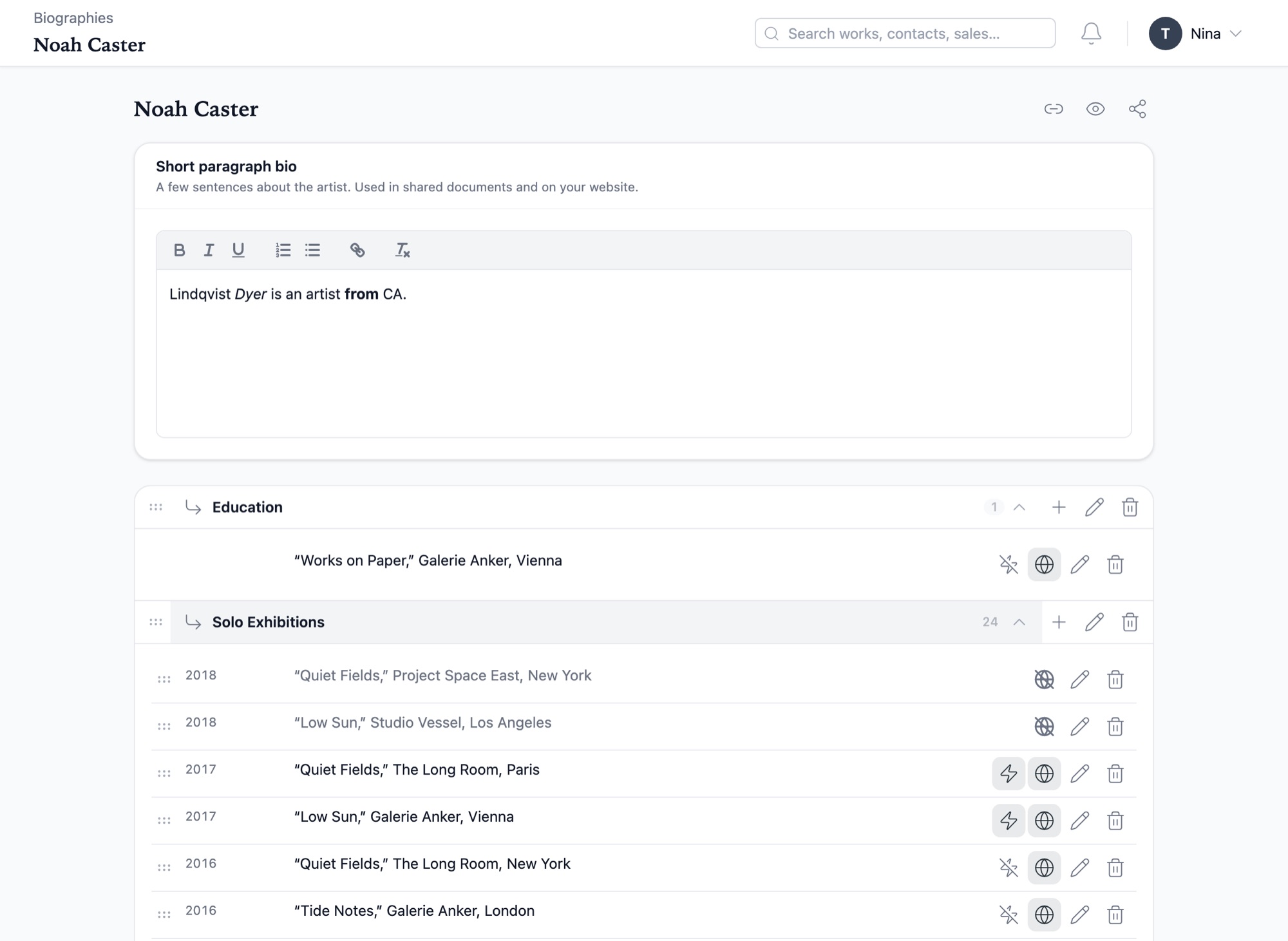
One CV per artist.
Easily manage multiple artist biographies in a simple table format. Write the short bio, add and reorder categories and lines by dragging them, and decide per line what goes on your website — paste a whole CV and the years and ranges are read for you. An exhibition at your gallery automatically adds its own entry to the CV of every artist in it.
Export biographies as documents, show them on your WrkLst website, or synchronize them with your own site through our WordPress plugin or a custom integration, so your website, PDFs and Word documents are always derived from the latest version.
- Short bio
- Categories & lines
- Per-line website switch
- Paste a whole CV
- Export as document
- WrkLst website
- WordPress plugin
Several spaces, one timeline.
Add every one of your spaces beside your headquarters in Settings. A move between two of them is recorded as an internal transfer, which you can filter for in consignments and shipments, and an exhibition at any of your spaces counts as your own.
Each work’s history follows it from space to space, and every sale shows which space it came from.