

Inventory and contact management for the artworld.
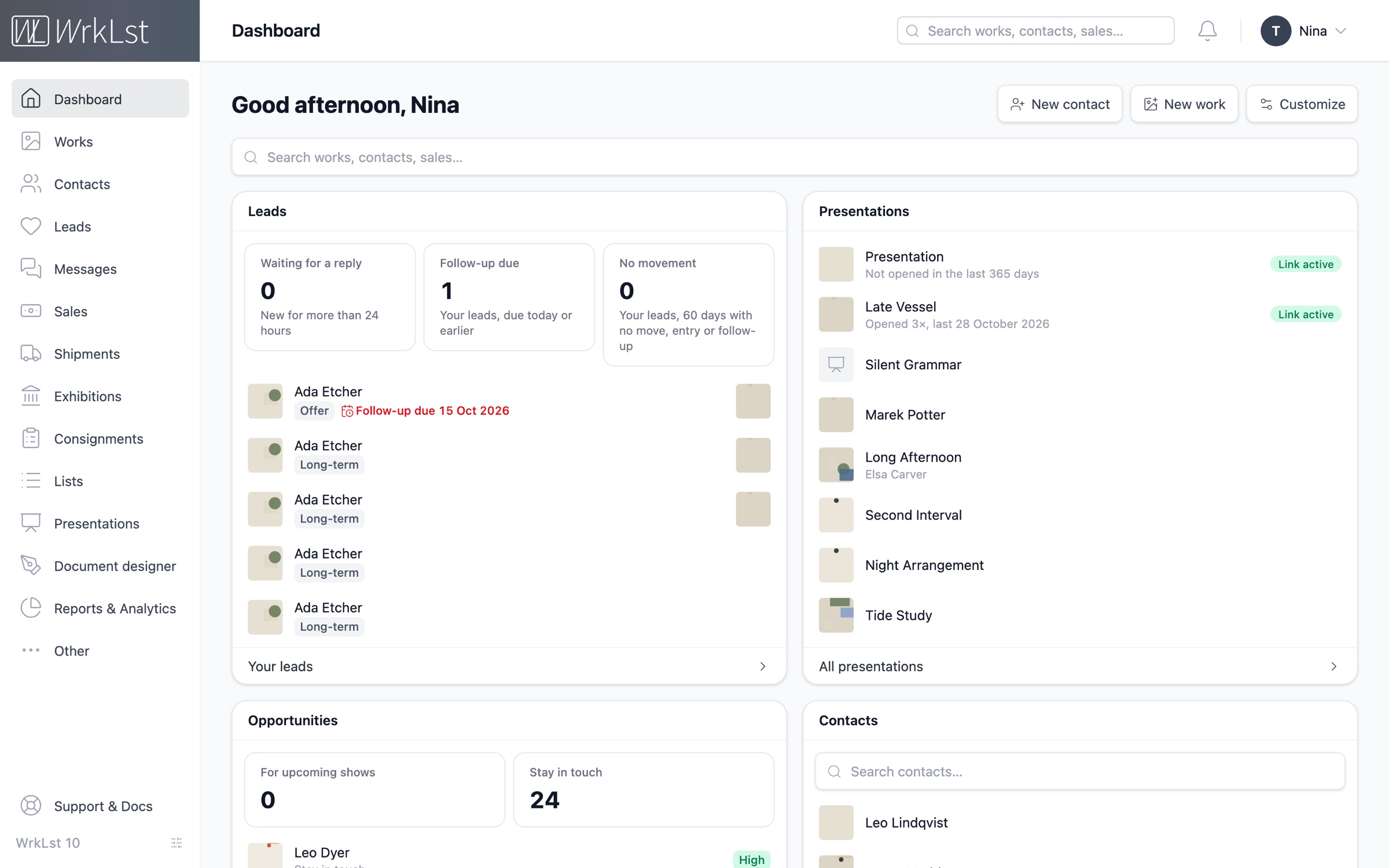
Manage artworks effortlessly.
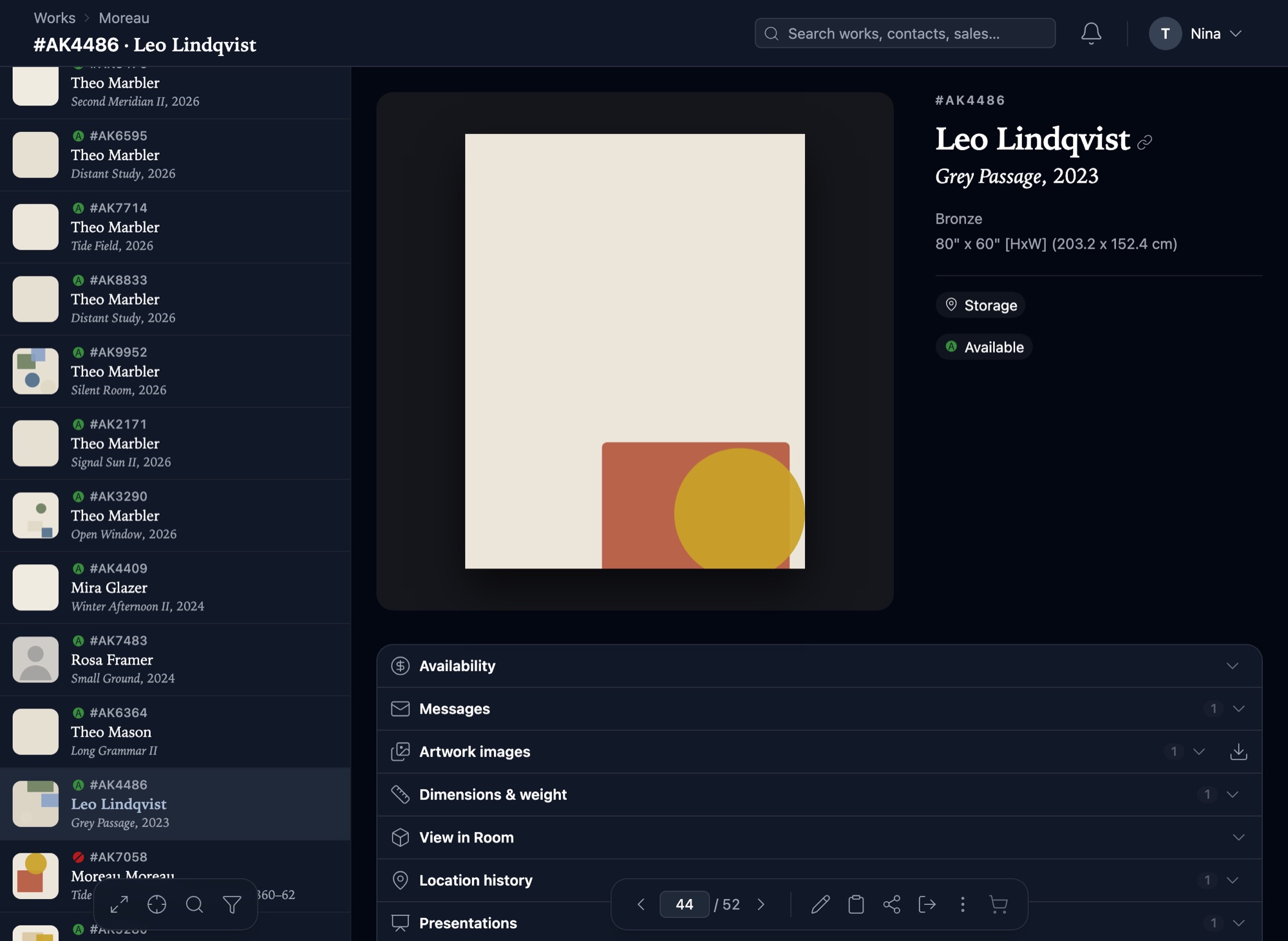
Our intuitive interface is built on state-of-the-art museology and decades of hands-on experience. Every work carries its editions, provenance, condition, values and locations for its whole life, and the artwork itself takes centre stage on screen, in light or dark mode — giving you a precise and complete record of everything you handle.
“Easy, clean user interface, mostly self explanatory, very flexible, output templates like lists and labels are highly customizable.”- Works
- Editions
- Provenance
- Media library
- View in Room
- Import
A complete overview of every contact
Grow your contact network and manage interactions seamlessly with integrated relationship and outreach tools. A fully integrated address book makes every transaction in WrkLst personal: each contact record shows what they were offered, what they bought and what you wrote to them, so you always have the full picture of the relationship.
- Address book
- Leads & waitlists
- Messages
- Outreach
- Mailchimp & MailerLite
- Sync to your phone
Patrick Potter
Telephone
Addresses
- Last contact
- 4 Sep 2026 · Meeting · Lea
- Log contact
- Stay in touch
- every 3 months · from their buying rhythm
Artist to offer: Nina SculptorHigh
Leads & waitlist
2Waitlists
#1Mary Painter20 Aug 2026
Leads
Mary Painter Quiet Field II, 2016
Sale · In contact · 4 Sep 2026
Messages
2Two works for the autumn show · 4 Sep 2026 · 2 works attached
Re: Tide Notes — framing · 12 Mar 2026
Invitations
3Sales & resales
2Sales & holds
Mary Painter Tide Notes, 1949
Sale · INV-2026-0142 · 21,420.00 EUR · paid in full
Nina Sculptor Night Interval
Hold until 30 Sep 2026
Connections
1Connected records for every task
From archives to exhibitions, consignments to sales: WrkLst connects the dots to support every task at hand. Each sale is linked to its invoice and shipment, each consignment to its expiry date, and each exhibition to its costs and the works it sold — so you have quick access to all relevant information from any perspective.
- Sales
- Consignments
- Exhibitions
- Shipments
- Timeline
- Presentations
- Documents
Everything your workflow needs, connected
Analytics
Dashboard
A customizable home screen with tiles for your works, contacts, sales, exhibitions and shipments, your own leads and follow-ups, and how often clients opened your presentations. Drag, resize or hide them to fit how you work.
Inventory
WorksEvery work and everything related to it in one record — editions and proofs, provenance and exhibition history, condition, insurance values, locations and confidential prices — built on decades of experience with galleries, museums, artists and collections.
CRM
ContactsA fully linked address book, so every transaction is personal. Each contact carries their whole history with you — the works they own, asked about or borrowed, the sales, consignments and exhibitions they were part of — and a contact log of when you were last in touch, how and by whom.
CRM
LeadsOne sales funnel for every enquiry, interest and conversation. Each lead moves from New to In contact, Offer, Hold and Sale, or to Lost with a reason — with someone assigned, a follow-up date and the works it is about. A lead can also aim at an exhibition, a press feature, a loan or a goal of your own. Opportunities proposes whom to contact next — for a show, for new works, or because it has been too long — and the report shows how many leads become sales.
CRM
MessagesSearch a contact or just type an address, pick artworks and let their captions write themselves, preview the whole thing, and save it, send it, or drop it into your mail account’s drafts. Your sent mail has its own page — with the recipient, the subject, and whether they opened it. Campaigns start here too: one message, sent to many contacts personally through your own mail account, or an invitation with a reply page and a guest list.
Finance
SalesFrom offers and holds to sales and donations, WrkLst provides the structure to accurately record both in-house and external transactions, complete with detailed financial information. The invoice is laid out line by line — every discount, tax and currency conversion shown — with the amount still outstanding right at the top.
Valuation
C-Values
Filter your collection any way you like and see what it cost, what it is estimated at and what it is insured for — and update a work’s figures straight from its line, without opening the record. The totals for everything you have filtered stay pinned above the rows as you scroll. Whatever the currencies, the totals are converted into yours.
Logistics
ShipmentsEffortlessly track all your shipments of artworks and other items. Attach essential documents, such as pro-forma invoices and customs paperwork. For trackable carriers like FedEx, DHL, and UPS, enjoy direct access to real-time tracking information and delivery status updates.
Planning
ExhibitionsOrganize and store all essential information for any exhibition. Seamlessly link artworks to exhibitions, and keep related documents, installation images, and other materials easily accessible in one place — with the checklist, loans, shipments, press release and the biography entries it generated.
Planning
ConsignmentsEasily manage all incoming, outgoing, and third-party consignments. Stay on top of deadlines with automatic email and in-app notifications for expiring consignments. With the calendar view, you can track current consignments and upcoming expirations, ensuring you stay ahead of schedule.
Planning
TimelineOrganize exhibitions, art fairs, and other projects on a calendar-based timeline. Add installation and deinstallation blocks to visualize space usage and coordinate the involvement of your preparatory teams — making it easy to manage schedules, avoid double bookings, and reduce unnecessary stress on your teams.
Archive
BiographiesEasily manage multiple artist biographies in a simple table format. Export them as documents, show them on your WrkLst website, or synchronize them with your own site through our WordPress plugin. With WrkLst you’ll have one central space to maintain biographies, ensuring your website, PDFs, and Word documents are always derived from the latest version.
Inventory
ListsOur universal basket system lets you select artworks just like adding products to a shopping cart. Compile selections across the platform, then use them to generate documents, create exhibitions, manage consignments, and more. Basket selections can be saved as lists and retrieved later.
CRM
PresentationsBuild a presentation from blocks, laid out like a catalogue, and send it as a private link or a designed email, with prices and availability only when you choose. Clients can enquire, ask to buy and see works in View in Room; you see which works they looked at.
Publishing
Document designerLay out exhibition booklets, tear sheets and artist CVs to the millimetre — texts, pictures and shapes on A4, US Letter or a size of your own, with your fonts and letterhead. WrkLst fills them from the records and makes one PDF, every picture from its original at 300 dpi.
Archive
Media LibraryBrowse your images, documents and links side by side with the file you have open, search and sort them by name or by when they last changed, and see at a glance which artworks each file belongs to. A PDF you make from a template where you add a document is kept here too, ready to use again.
Analytics
Reports & Analytics
A one-page overview of your sales, facilitators, exhibitions and consignments — with drill-down to every individual sale.
All features included. Use the ones you need.
Enjoy advanced security, streamlined workflows, and a flexible setup for effortless collaboration. WrkLst includes all features by default, and the interface adapts to your workflow: deactivate the modules you do not use, and reactivate them whenever they become relevant — a studio without consignments, a collection that starts lending. Pricing is based on the number of records in your account — users included — never on the features you choose to use.